
Send a Push Notification
Push notifications allow you to send instant updates and reminders directly to a customer's mobile device, helping you keep them informed about important announcements, promotions, or upcoming activities.
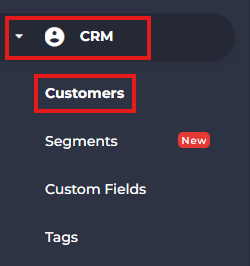
- From the side menu, navigate to CRM.
- Select Customers.
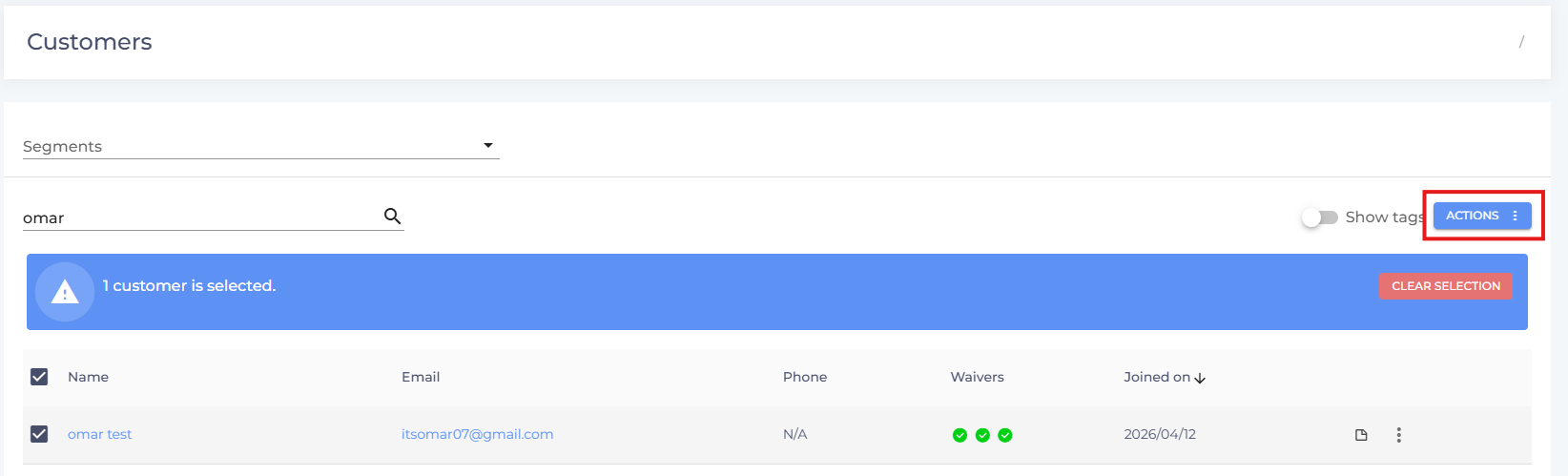
- Search for and select the customer(s) you want to send a push notification to.

- Click Actions.
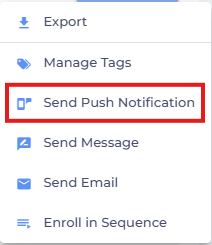
- Select Send Push Notification.
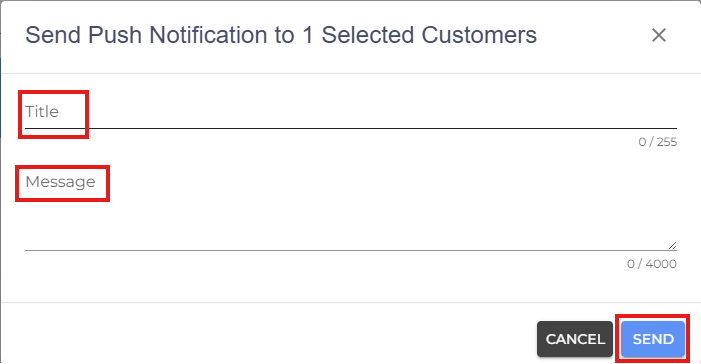
- Enter a Title for the notification.
- Type your Message.
- Click Send to deliver the push notification.
Note: Customers must have the StudioGrowth mobile app installed and have push notifications enabled on their device to receive push notifications.
- If you are facing any difficulties, get in touch with us via help.studiogrowth.com and we'll help you to get up and running in no time.