
Refund a Payment
StudioGrowth allows you to refund payments made for a customer's pass directly from their profile. You can review the payment details and process a refund whenever necessary.
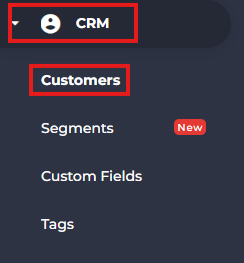
- From the side menu, navigate to CRM.
- Select Customers.
- Search for and open the customer whose payment you want to refund.

- Navigate to the Passes tab.

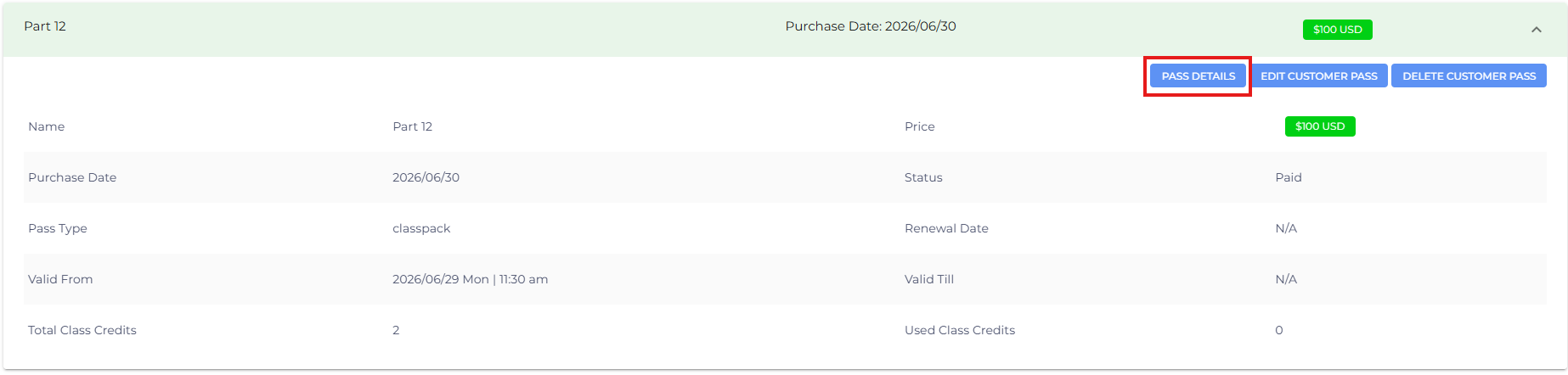
- Select the pass associated with the payment.
- Click Pass Details.
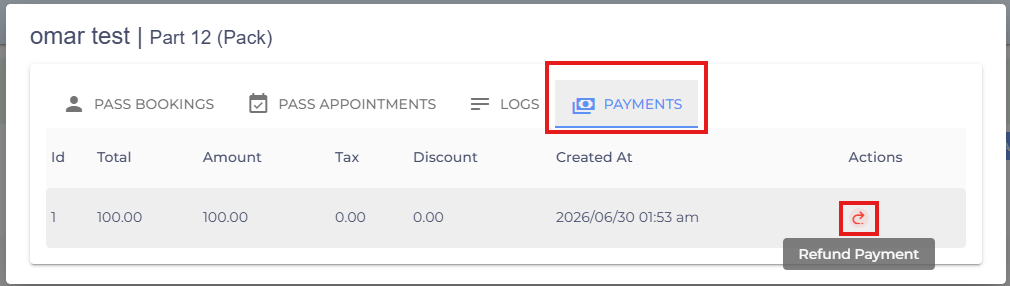
- Open the Payments section.
- Click Refund Amount.
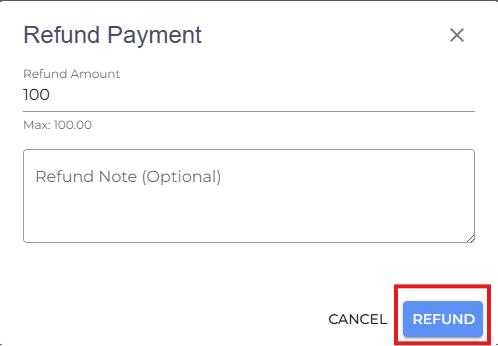
- Click Refund to process the refund.
- If you are facing any difficulties, get in touch with us via help.studiogrowth.com and we'll help you to get up and running in no time.