
Assign Tags to Instructor
Assigning tags to instructors helps you organize and categorize instructors based on specific criteria. Tags make it easier to filter and identify instructors quickly, allowing for more efficient management of your instructor list.
- Navigate to Instructors from the side menu.

- Add an Instructor or edit an existing one.

- Fill out the necessary details of the instructor.
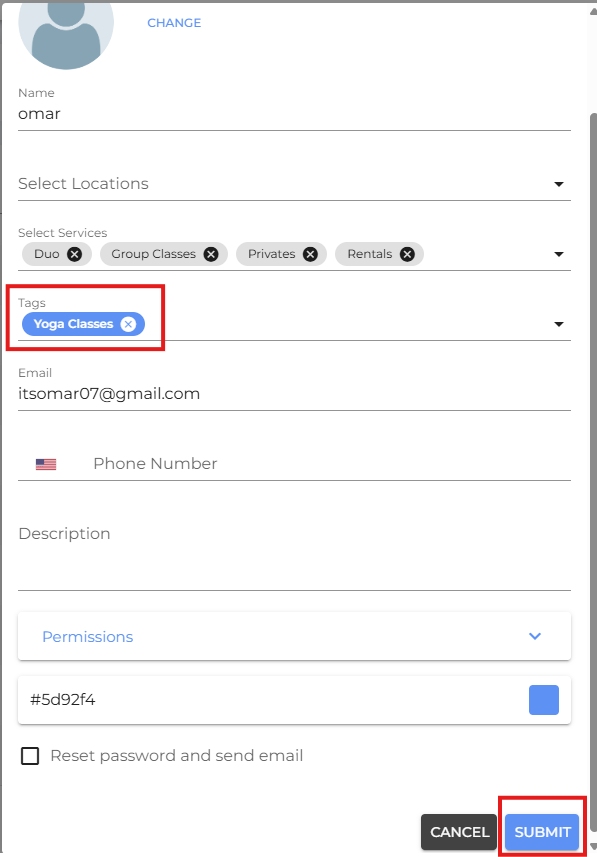
- Assign an appropriate tag.
- Click Submit.
- If you are facing any difficulties, get in touch with us via help.studiogrowth.com and we'll help you to get up and running in no time.