Create a Segment
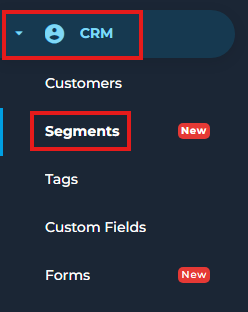
- Go to CRM > Segments.
- Click Add Segment.

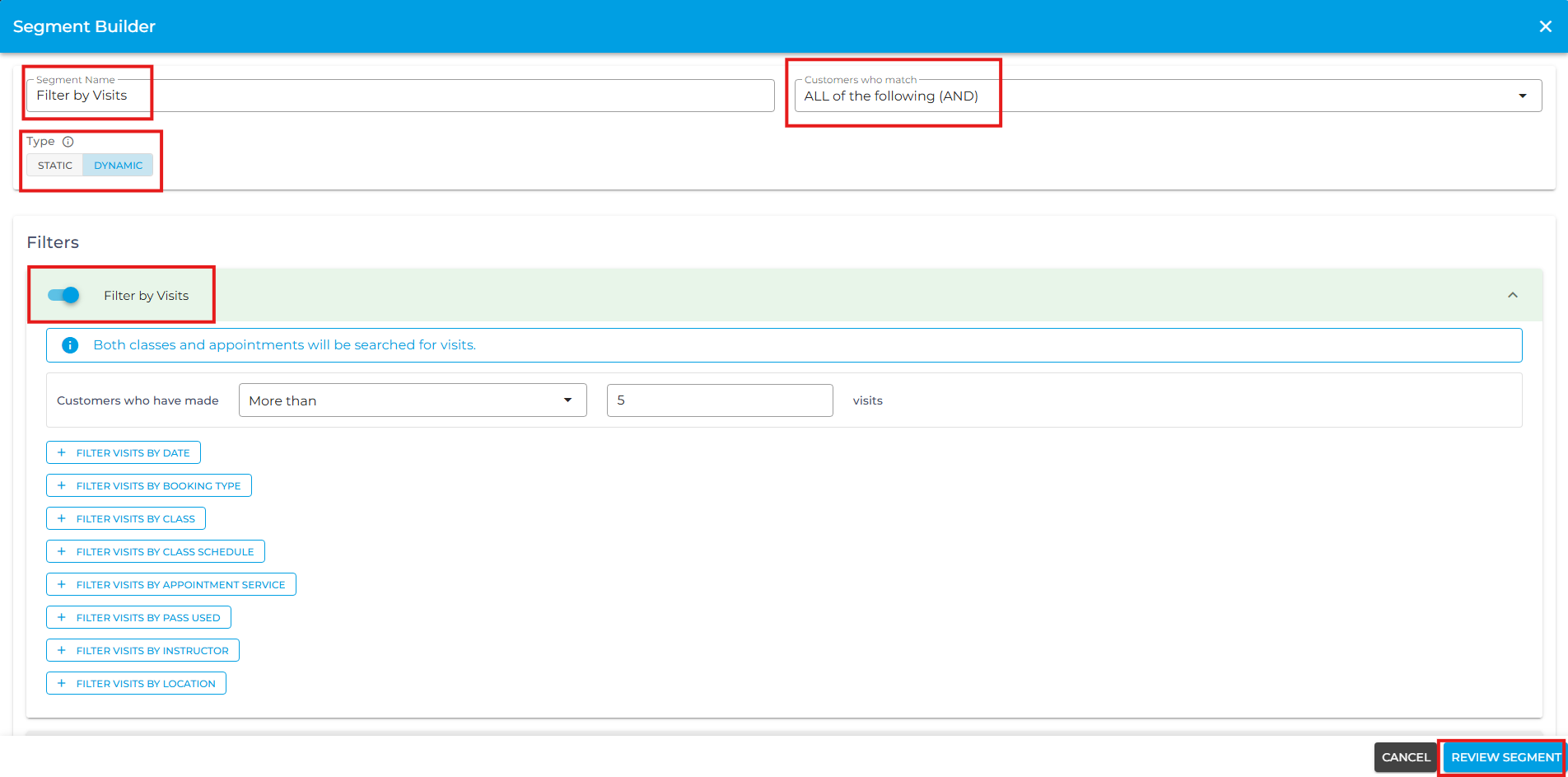
- Enter a name for the segment.
- Choose how customers should match the conditions:
All of the following (AND): Customers must meet all of the selected conditions
Any of the following (OR): Customers only need to meet one or more of the selected conditions.
- Select the type of segment:
Static: Customers are captured when the segment is created. The list stays fixed and does not automatically change.
Dynamic: Customers are evaluated in real time. The list automatically updates as customers meet or no longer meet the selected conditions.
- Add the filters you want to use to identify the customers.
- Click Review Segment.
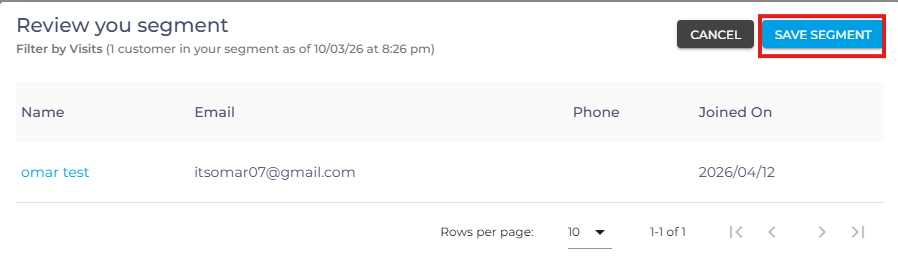
- A Review your segment page will appear showing all the customers who currently match your selected conditions.
- Click Save Segment on the Review your segment page to create the segment.