
Adding Custom Payment Methods
This feature is mainly for reporting purposes. As an Admin, in order to add custom payment options:
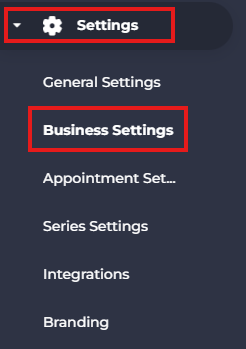
- Click 'Settings' in the side menu and access the 'Business Settings' tab.
- Scroll down to the 'Custom Payment Methods' section and click the '+' button to add a new method.

- Click the checkbox and select the required method from the menu.

- Click 'Save' to save your changes.

- You will receive a prompt in the top right corner.

- If you have any questions or require additional clarifications, talk to us via help.studiogrowth.com and we'll get you up and running in no time.